Tell us where. The map improves as we correct the algorithms and the data, and a report that names the place is the most useful thing you can send.
Send feedback
Feedback includes your start point, the style you're using and, unless you untick it, a screenshot of the map. So show the problem on the map before you send it.
- On the web: choose Feedback at the bottom of the Explore panel.
- In the app: open Settings, then Feedback.
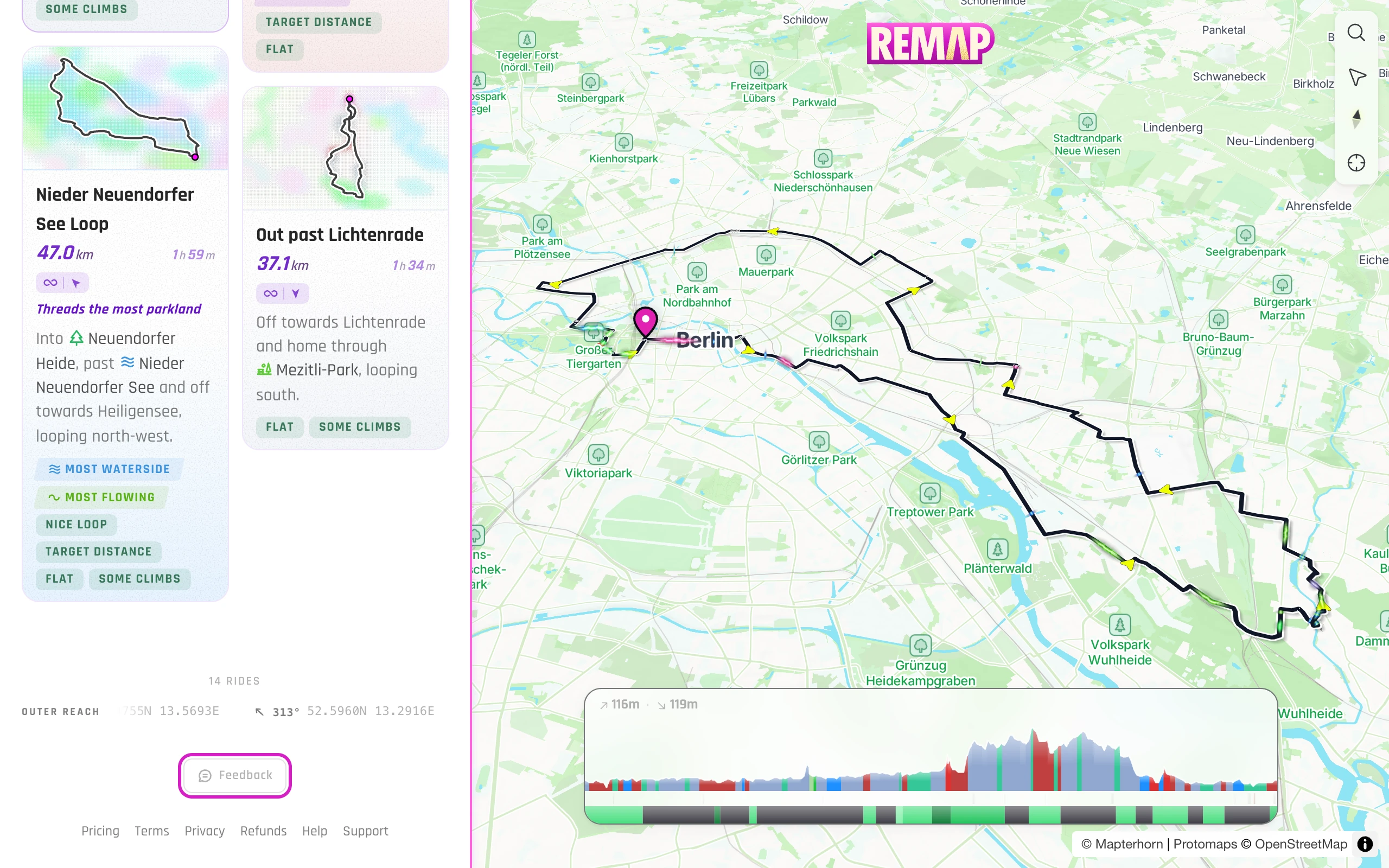
Say what went wrong, for example a road that's closed, a path you can't ride, or a turn that makes no sense. Add your email if you'd like a reply.
By email
Email us the place and what went wrong. The address is on Support.
Still stuck? Contact support, or see all help topics.