Remap reads every road for its surface, traffic and terrain, then builds routes through the roads that suit the style you chose. A road you like can lose out when it's busy, rough or steep for that style.
Pick a style
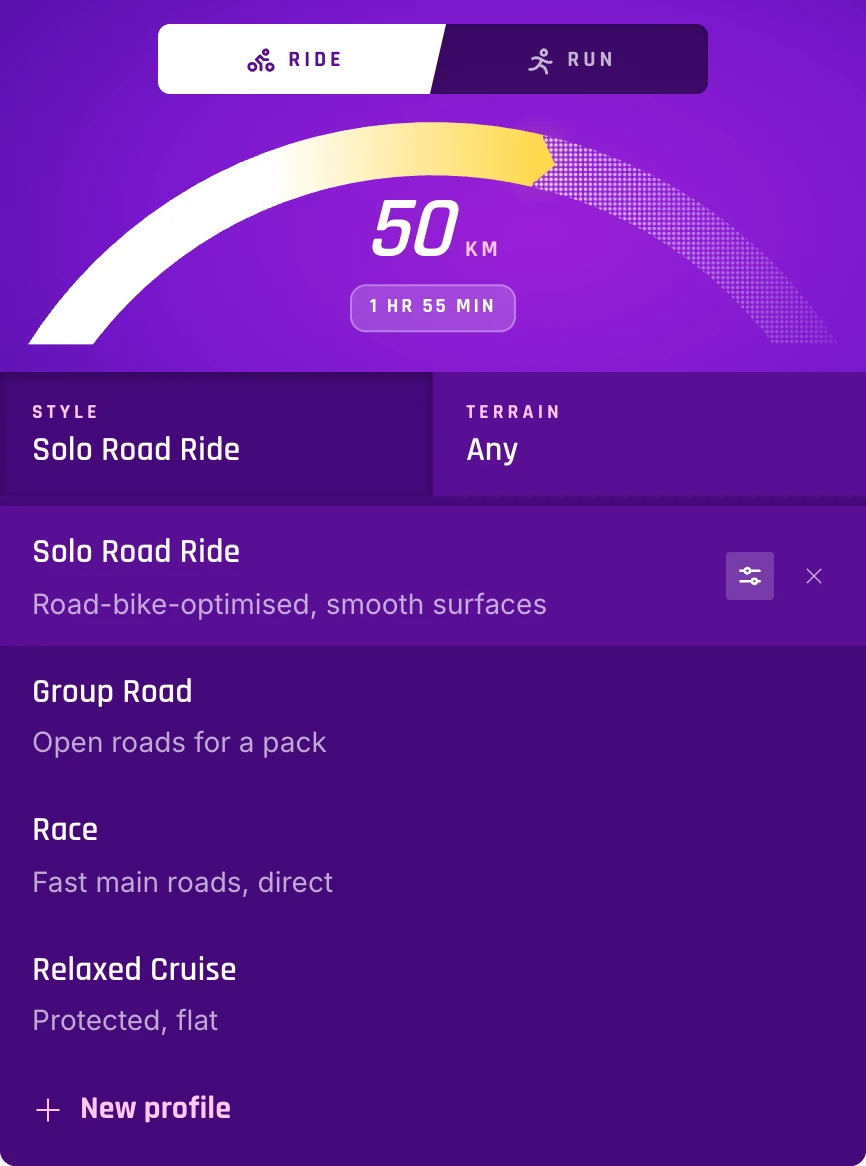
Your style is in Explore, beside your other route settings. Tap Style to switch to another one, and Remap builds new routes with its rules. Rides and runs keep their own styles.
Refine a style
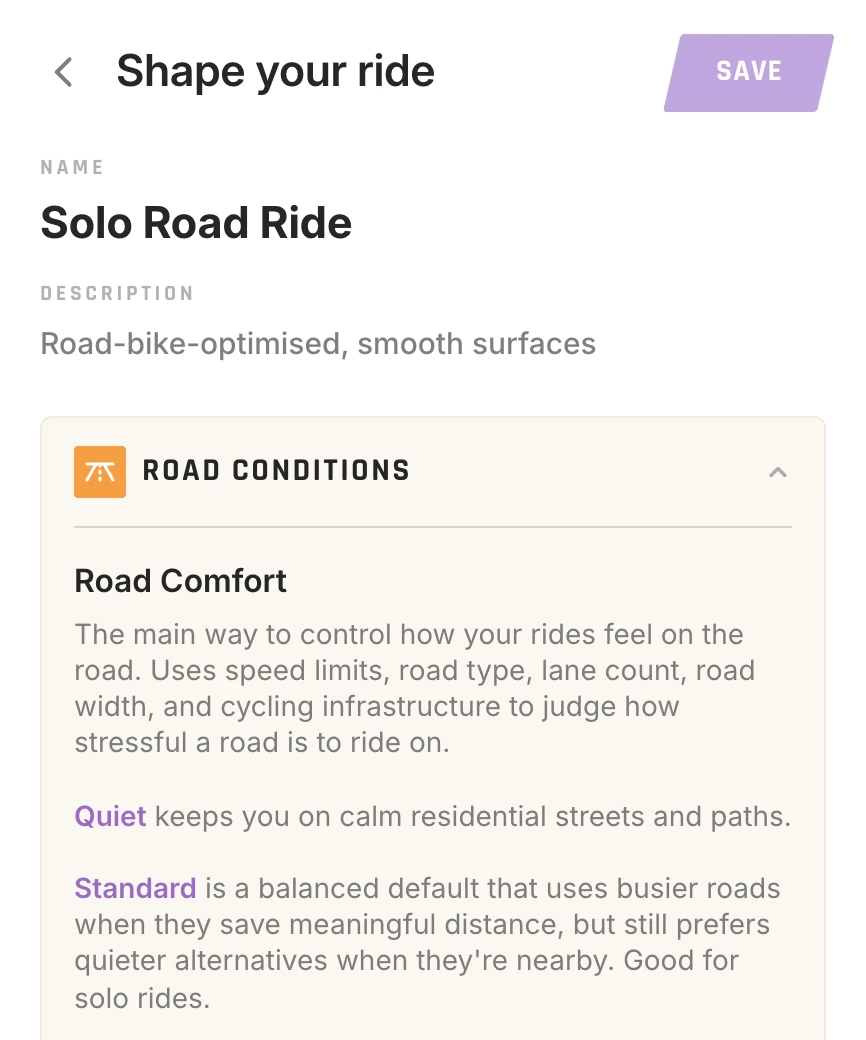
Each style is a set of preferences you can change:
- Rides: road comfort and speed limits, bike lanes and separated paths, mapped cycle routes, paved and unpaved surfaces, hills, intersections, turns, ferries, traffic volume and lighting.
- Runs: road, mixed or trail surfaces, turns and lighting.
On the web, open Style and choose Refine beside a style. In the app, tap Style, then the edit button beside it. To start your own, choose New profile.
Still stuck? Contact support, or see all help topics.