In the Remap app, open Settings and choose Delete account. You can do the same on the web: sign in at remap.earth, open You, then Settings, then Delete account. If you can't sign in, email us from the address on your account and we'll delete it for you. The address is on Support.
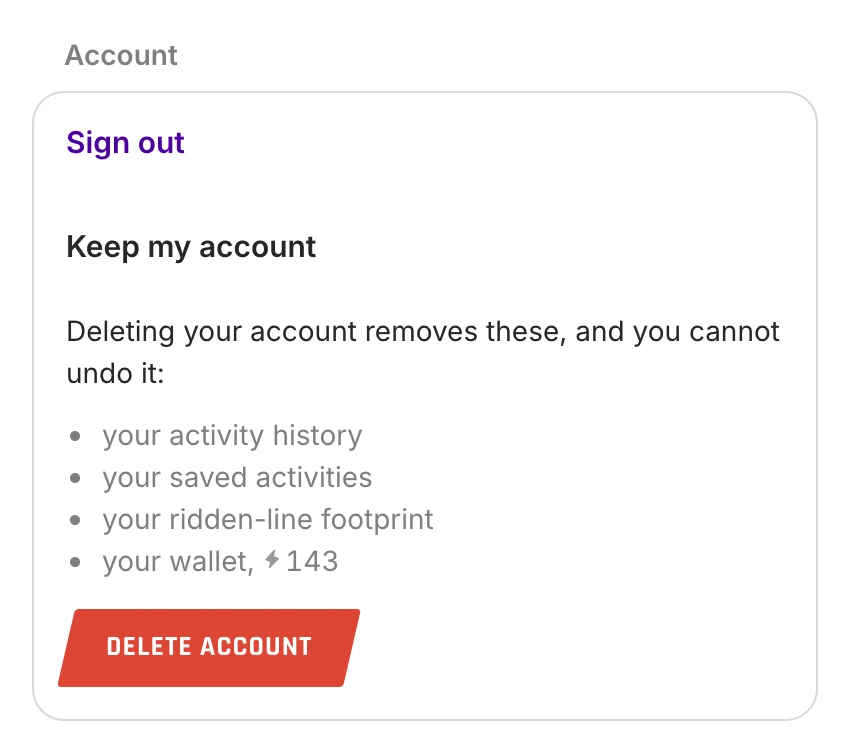
What deleting removes
Deleting your account permanently removes your profile, avatar, activities, saved activities and preferences. Bug reports you sent are kept without your name. Subscription billing records stay with Apple, Google or Paddle under their own policies. Cancel the subscription there to stop payments.
Other requests about your data
See our Privacy Policy or email us.
Still stuck? Contact support, or see all help topics.